

We believe families deserve
tools that are simple, calm,
and made with care.
Mom adds milk at home — it's on your list while you're at the store. Tasks and shopping lists for the whole family. No account, no ads, no tracking. Just your family, organized.
~ How It Works ~
Built for real families,
not feature lists.
VOICE INPUT THAT UNDERSTANDS YOU
Speak your tasks naturally.
Say 'apples, bananas, and milk' — FamilyDo creates three separate items. Speech runs through Apple's speech recognition; nothing you say reaches a server of ours.
FAMILY SYNC THROUGH ICLOUD
Everyone stays in the loop.
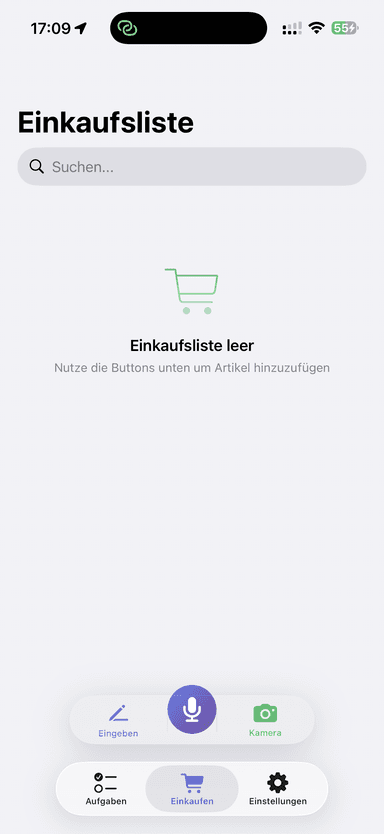
Add milk to the list at home and it shows up on your partner's phone at the store, usually within moments. Each device syncs through its owner's iCloud.
TASKS & SHOPPING LISTS
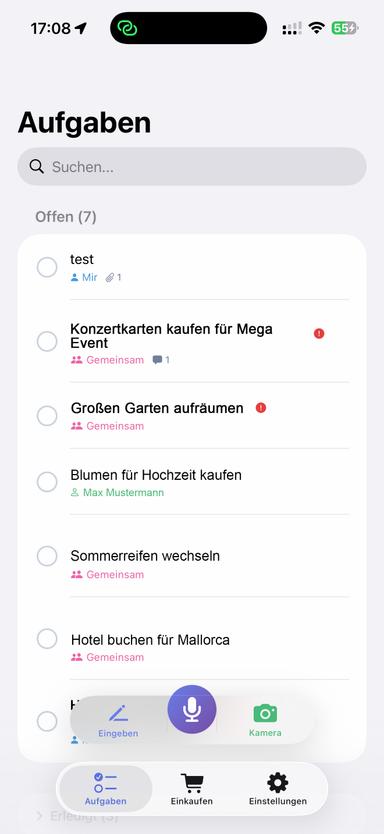
Two modes, one app.
Daily tasks and shopping lists, each with their own space. Plan for today, tomorrow, or later.
SMART ASSIGNMENTS
Private stays private.
Your personal list is yours alone and is never shared. In a family, assign a task to yourself, to everyone, or to one member.
Your Data
No account.
No server of ours.
Most family apps keep your lists on the company's servers. FamilyDo keeps them with you: on your devices and in the iCloud account you already have.
No sign-up
No email, no password, nothing to verify. Open the app and start your list.
Your lists, your iCloud
Lists are stored on your devices and sync through your own iCloud account. We run no database, and we cannot read your lists.
Join with a QR code
Whoever created the family shows a QR code or sends a link. Scan it, tap Join, done.
Nothing reports back
No ads, no analytics, no tracking. The app has nothing in it that phones home to us.
Getting Started
Three steps.
No learning curve.
Create your family
No sign-up, no password. Open the app, create a family, and invite the others with a QR code or a link. That's it.
Add tasks your way
Type, speak, or snap a photo. Voice input currently understands German; more languages are planned.
Stay in sync
Everyone in the family sees shared tasks on their own devices. Complete, comment, and collaborate — it keeps working offline and syncs when you're back online.
Cross-Platform
Native on every
Apple device.
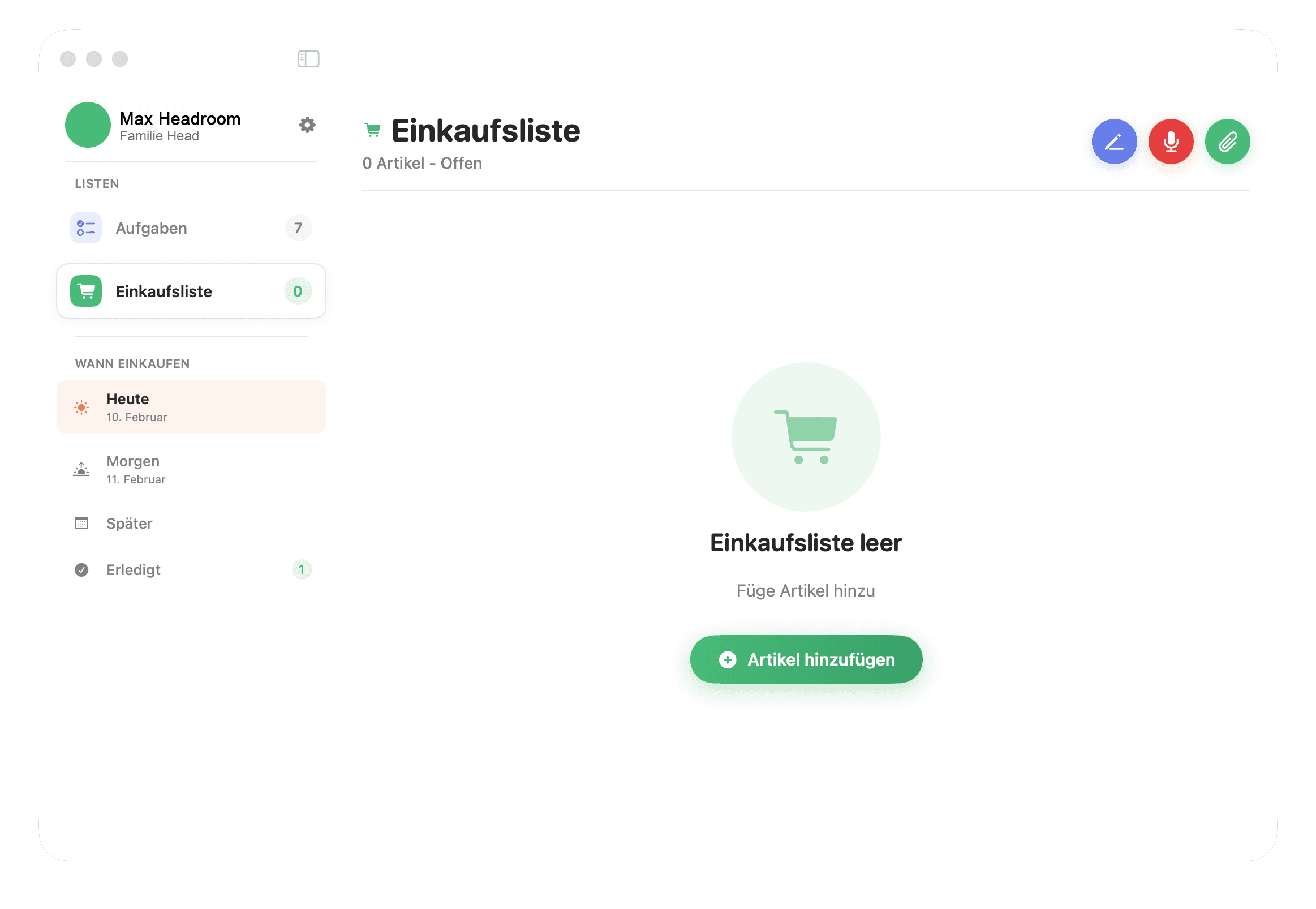
Built with SwiftUI for a fast, native experience. No compromises — FamilyDo feels right at home on iPhone and Mac.
And More
Everything else
you'd expect.
Photo & Document Attachments
Attach photos, PDFs, or documents to any task. On supported devices, on-device AI looks at a photo and suggests a title.
Works Offline
Your lists live on your device. Add and tick off items without a connection — everything syncs once you're back online.
Multi-Family Support
Be a member of multiple family groups and switch between them. Each family has its own tasks and shopping lists.
Dark Mode
Beautiful in light and dark. Follows your system preference or toggle manually.
Pricing
Pay once. No subscription.
On your own, FamilyDo is free. Whoever creates a family buys the Family Pack once, and everyone who joins is free. No subscription, no ads, no data selling.
One person pays once. The whole family uses it.
The price may differ by country.
Coming Soon